Collection: Headphones & Earphones
-
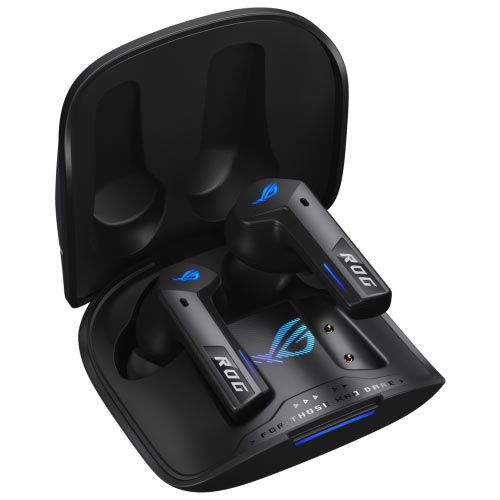
Asus ROG Cetra True Wireless SpeedNova Gaming Headphones
Regular price Dhs. 699.00Regular priceUnit price / perSale price Dhs. 699.00Sold out -
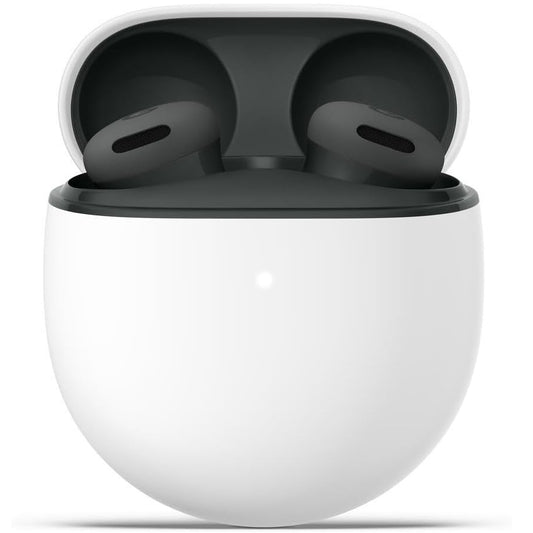
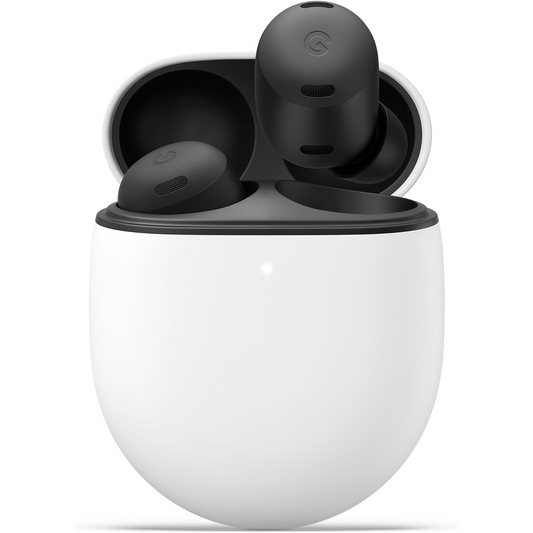
Google Pixel Buds 2a with Active Noise Cancellation Bluetooth Earbuds
Regular price Dhs. 475.00Regular priceUnit price / perSale price Dhs. 475.00 -
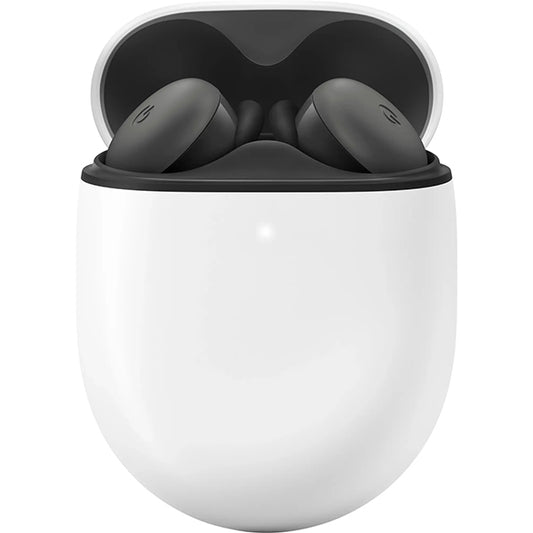
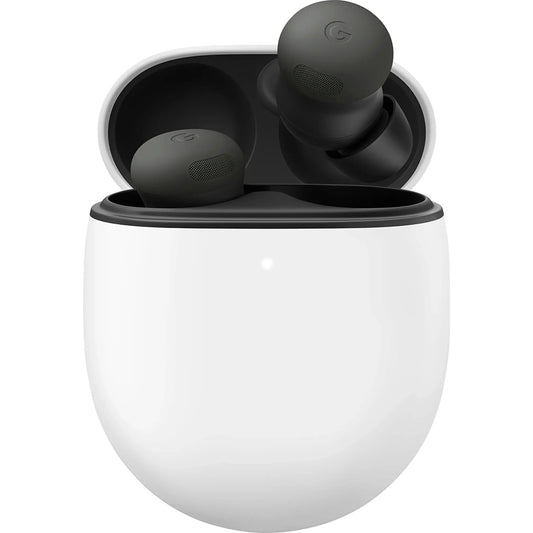
Google Pixel Buds A-Series True Wireless In-Ear Headphones
Regular price Dhs. 395.00Regular priceUnit price / perSale price Dhs. 395.00 -
Google Pixel Buds Pro 2 with Active Noise Cancellation Bluetooth Earbuds
Regular price Dhs. 885.00Regular priceUnit price / perSale price Dhs. 885.00Sold out -
Google Pixel Buds Pro with Active Noise Cancellation Bluetooth Earbuds
Regular price Dhs. 499.00Regular priceUnit price / perSale price Dhs. 499.00Sold out -
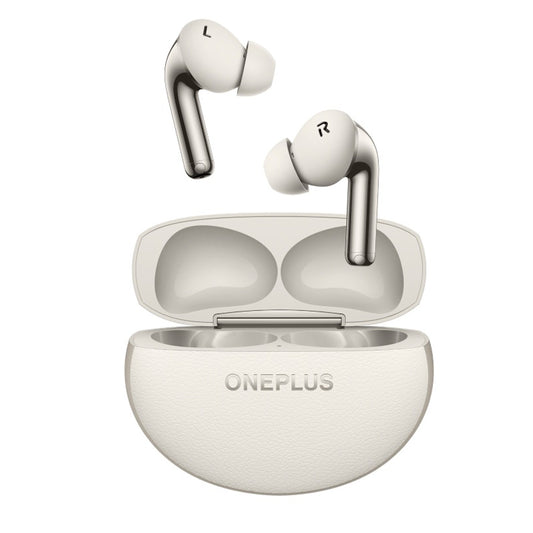
Sold outOnePlus Buds Pro 3 Wireless Earbuds
Regular price Dhs. 599.00Regular priceUnit price / perSale price Dhs. 599.00Sold out -
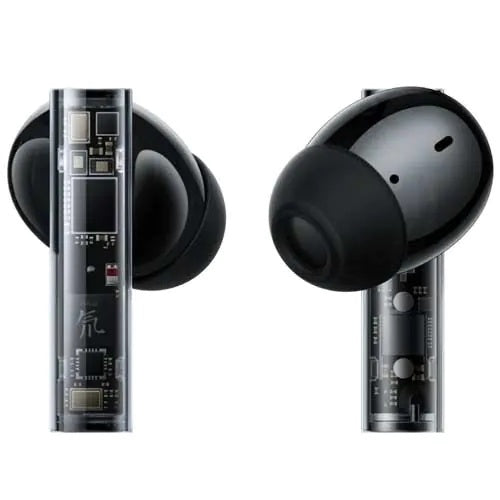
ZTE Nubia RedMagic DAO TWS Gaming Wireless Earbuds
Regular price Dhs. 925.00Regular priceUnit price / perSale price Dhs. 925.00Sold out
Frequently Asked Questions
Everything you need to know about shopping with PixelMax.
Yes, especially for Android and Pixel phone users. Pixel Buds offer quick Fast Pair setup, Google Assistant support, comfortable fit and good call quality. Models like Pixel Buds 2a and Pixel Buds Pro 2 add active noise cancellation, while the A-Series is a more affordable choice for everyday listening.
Pixel Buds Pro 2 is the premium model, with more advanced noise cancellation, richer sound and extra comfort and fit features. Pixel Buds 2a is the budget-friendly option that still offers active noise cancellation. Choose the Pro 2 for the best experience and the 2a for good value at a lower price.
Open the charging case with the earbuds inside and hold the pairing button until the light flashes. Then turn on Bluetooth on your phone, open the Bluetooth device list and tap your earbuds’ name. On most Android phones, a pop-up appears automatically and you only need to tap Connect.
No, active noise cancellation is not harmful in itself. It actually helps because you can listen at a lower volume in noisy places. The real risk is high volume for long periods, so keep the volume moderate and take breaks. Some people feel a slight pressure sensation at first, which is normal.
For mobile gaming, choose earbuds with a dedicated low-latency mode. The ASUS ROG Cetra True Wireless SpeedNova and the RedMagic DAO TWS are made for gaming and keep audio in sync with the action. Regular earbuds work fine for music and calls but may show a small delay in fast games.
Put both earbuds back in the charging case and make sure they are charged. Then delete the earbuds from your phone’s Bluetooth list, reset them as described in the user manual, and pair them again. Cleaning the charging contacts and updating the earbuds’ firmware can also fix the problem.
Noise cancellation blocks outside sound so you can focus on your music, calls or travel. Transparency mode, also called ambient mode, does the opposite and lets outside sound in through the microphones so you can hear announcements, traffic and people around you without taking your earbuds out.